⚡ NEWDEBUGGING

STEP-BY-STEP EXECUTION

RUN YOUR OWN PYTHON CODE ONE LINE AT A TIME — WATCH EVERY VARIABLE CHANGE

START FREE
SEE PRICING ▸
SCROLL
LEARNBUGVISUAL DEBUGGER

STOP
GUESSING.
SEE IT.

LearnBug lets you run your own Python code step-by-step and watch exactly what happens — variables, memory, and logic visualised in real time. Not someone else's template. Yours.

Most tools give you a fixed set of problems and someone else's code to copy. LearnBug is different — you write your own code, make your own mistakes, and see exactly what happens. When your code breaks, LearnBug shows you exactly where and why — visually.

Simple, visual, powerful. Ready to finally understand your code? 🐛 ✨

LEARNBUG
LearnBug visual debugger

VISUAL DEBUGGER

RUN YOUR OWN CODE STEP-BY-STEP.

TRY IT FREE
Faster debugging for new users
70%
Better concept clarity reported
95%
Learning retention improvement
100%
Free during beta — no catch
How It Works

From writing code to
truly understanding it

Three steps. No setup. No templates. Just your code, fully visible.

1Write or paste your code

Any code — yours

Paste your own solution or write from scratch. No forced templates, no locked examples. LearnBug visualises any code you throw at it — including code with bugs.

2Run it step by step

Watch every line execute

See variables update, the call stack grow and unwind, loops iterate, and memory change — all in real time, one step at a time. You control the pace.

3Learn from what you see

Mistakes become lessons

When your code breaks, LearnBug shows you exactly where and why — visually. No cryptic errors. No guessing. You see the exact line, the exact state, and what went wrong.

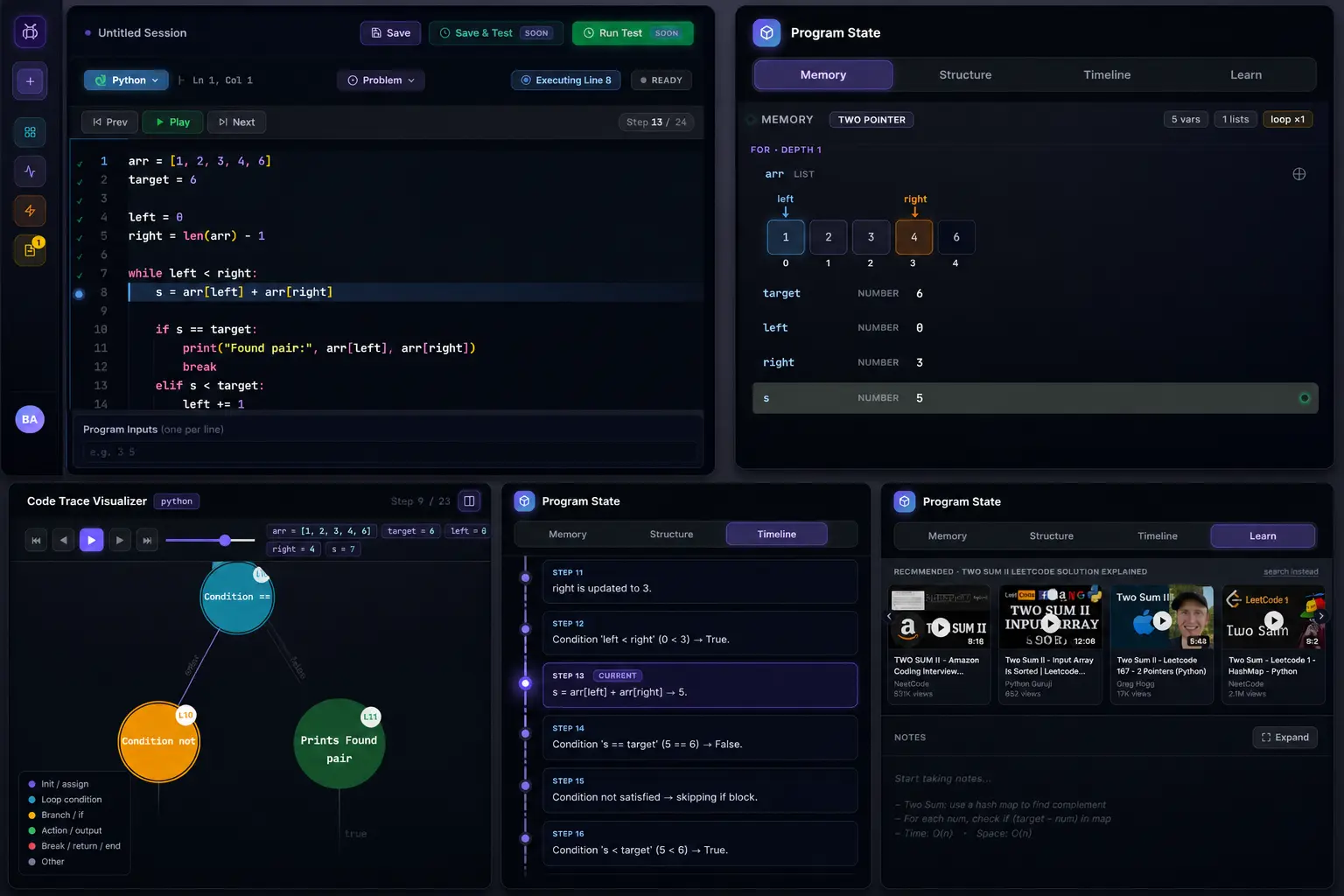
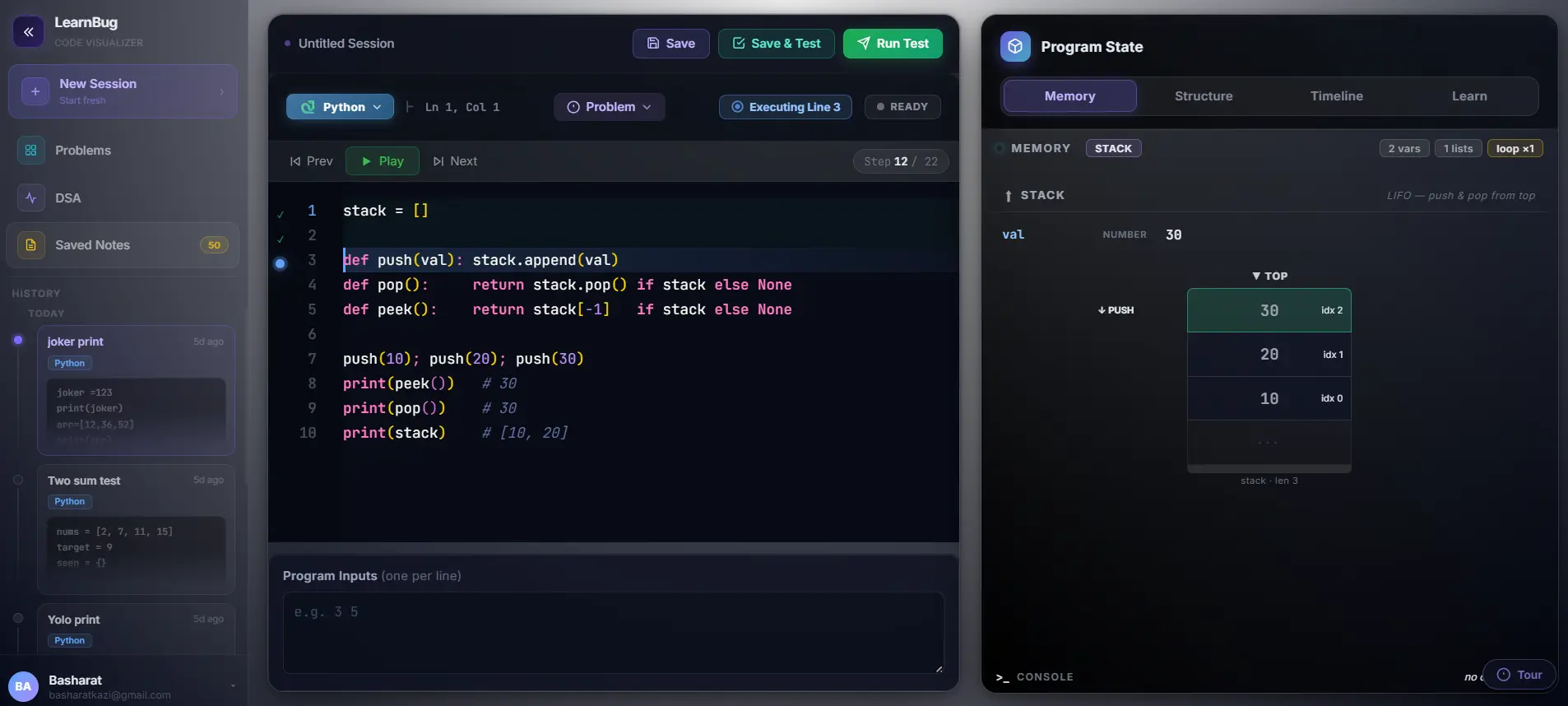
MEMMemory and stack visualization

Memory & Stack View

Watch data structures build in real time as your code runs.

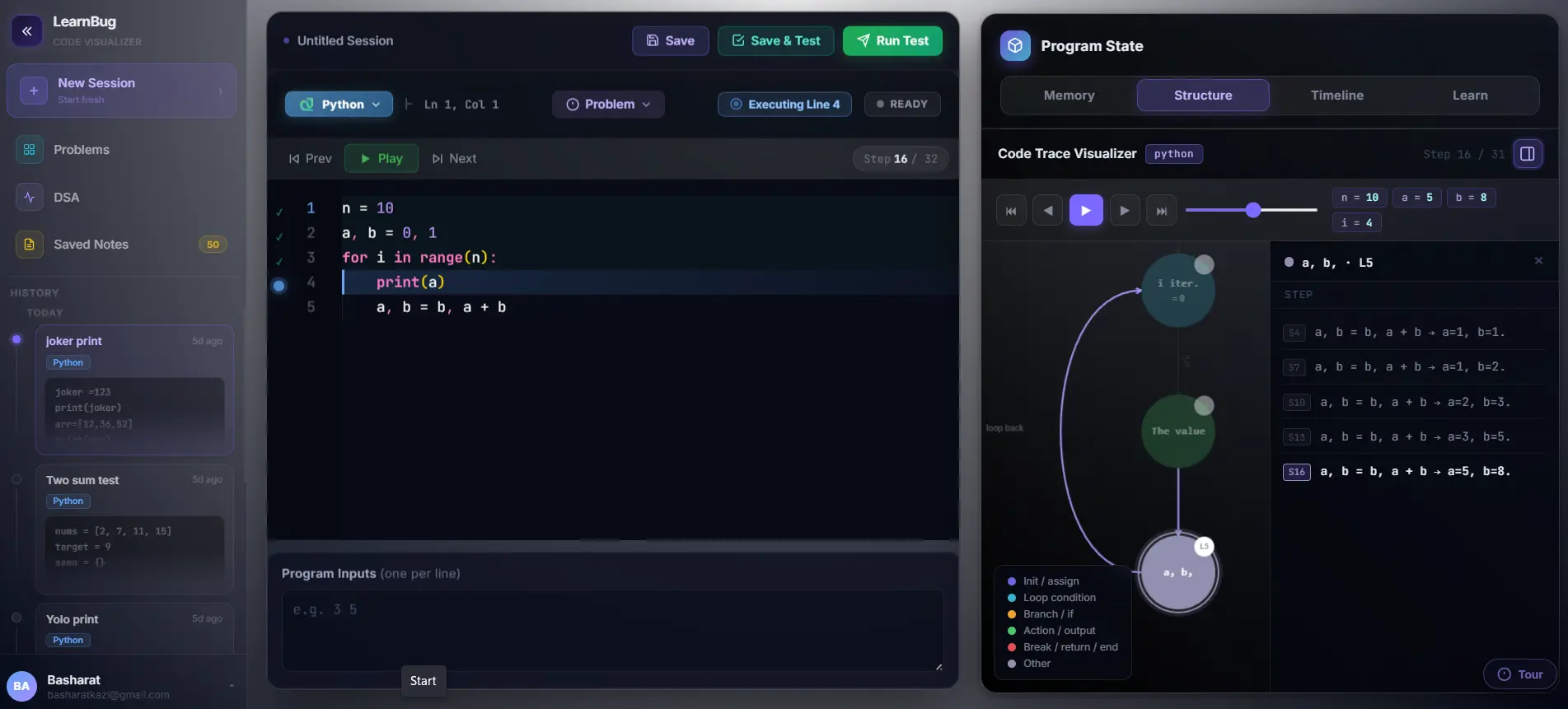
TRACECode trace visualizer

Code Trace Visualizer

See every loop iteration and branch decision mapped visually.

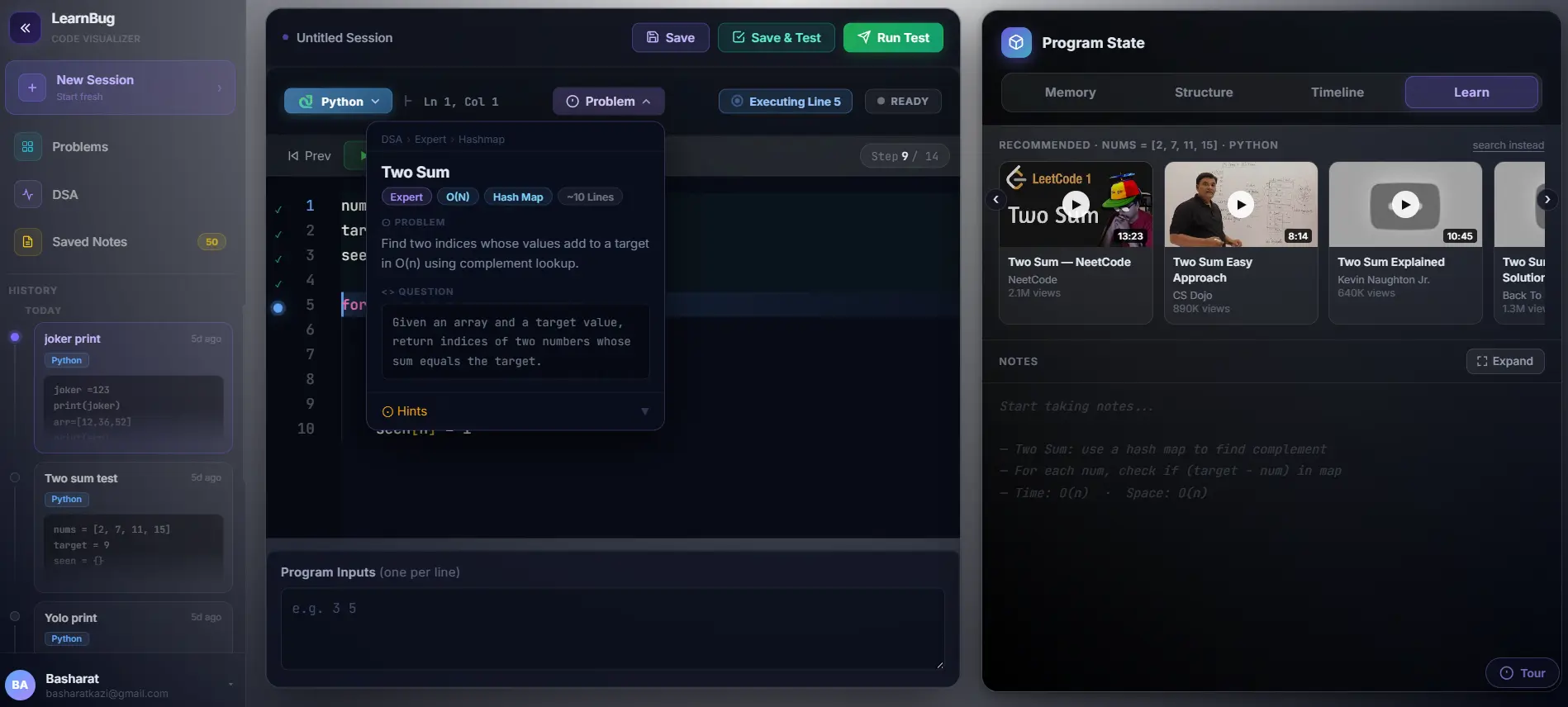
LEARNProblem and learn mode

Problem + Learn Mode

Curated problems with AI insights, hints, and recommended resources.

Languages
Python — Live now
Java Beta running
JavaScript Coming soon
C++ Coming soon

LearnBug Features

SEE PRICING ▸
S
Debugging
STEP-BY-STEP EXECUTION
Run any Python code one line at a time. See where variables change, loops branch, and logic diverges from what you intended.
AI
AI
AI ERROR EXPLAINER
When your code breaks, AI explains exactly why — in plain English. No cryptic stack traces. No guessing.
M
Visualization
MEMORY VISUALIZATION
Watch variables, arrays, and data structures update in real time as execution moves through each line of your program.
CS
Visualization
CALL STACK VIEWER
Recursion finally makes sense. Watch function calls stack and unwind visually — no mental gymnastics required.
D
DSA
DSA PROBLEM LIBRARY
Curated library of algorithms — sorting, trees, graphs, DP — with visual breakdowns. Understand the intuition, not just the answer.
CT
Debugging
CODE TRACE VISUALIZER
See the full execution trace mapped as a flow — every branch, every loop iteration, every function call — in a single visual.
LM
Learning
LEARN MODE
Curated problems with AI insights, hints, and recommended resources to guide your understanding, not just give you the answer.
IP
DSA
INTERVIEW PREP
Understand DSA algorithms instead of memorizing them. Build real intuition that holds up in FAANG and top-tier interviews.
Testimonials

The "aha" moment is real

Most users experience this in their very first session.

★★★★★

"I've been struggling with recursion for 3 months. One session with LearnBug and I finally get it. Watching the call stack build and unwind was the missing piece."

CV
Chandrasekar V.
SDE 2, Oracle
★★★★★

"I was prepping for Amazon and kept failing DSA rounds. The visual debugger made me understand binary search at a depth no tutorial ever gave me. Cracked it."

NC
Naidu C.
SDE 2, Amazon
★★★★★

"I use this in my Python bootcamp. The visualizer replaced 20 minutes of whiteboard drawing. Students understand in two minutes what used to take an entire lesson."

AA
Asra A.
MCT
"Oh. THAT'S why my code breaks."

The most common thing people say after their first LearnBug session.

Access

Free for everyone.
Tailored for institutes.

We're in beta — which means every individual gets full access, completely free. Institutes and bootcamps get something extra.

🧑‍💻

Individual Users

Students, developers, and self-learners get full access to LearnBug during beta — completely free, no card, no catch.

  • Step-by-step code execution
  • Memory & call stack visualization
  • AI error explanations
  • Full DSA problem library
  • Code trace visualizer
  • Paste any code — no templates
  • No credit card, no time limit
Start Free — Sign Up Now

Beta access · 100% free · No commitment

🏫

Institutes & Bootcamps

Want to use LearnBug for your classroom, bootcamp, or organisation? We offer a dedicated dashboard, progress tracking, and instructor tools — reach out to us.

  • Everything in Individual
  • Institute-wide dashboard
  • Student progress tracking
  • Instructor management tools
  • Custom problem sets for your syllabus
  • Private environments for your students
  • Dedicated support & onboarding
Contact Us → learnbug.support@gmail.com

Custom pricing · Built around your needs